

Digital Marketing
What is Google Ads and How Does it Work?
Learn what Google Ads is, how it works, and how it can boost your business's online visibility through targeted pay-per-click advertising.

2 mins read
Link37 Team
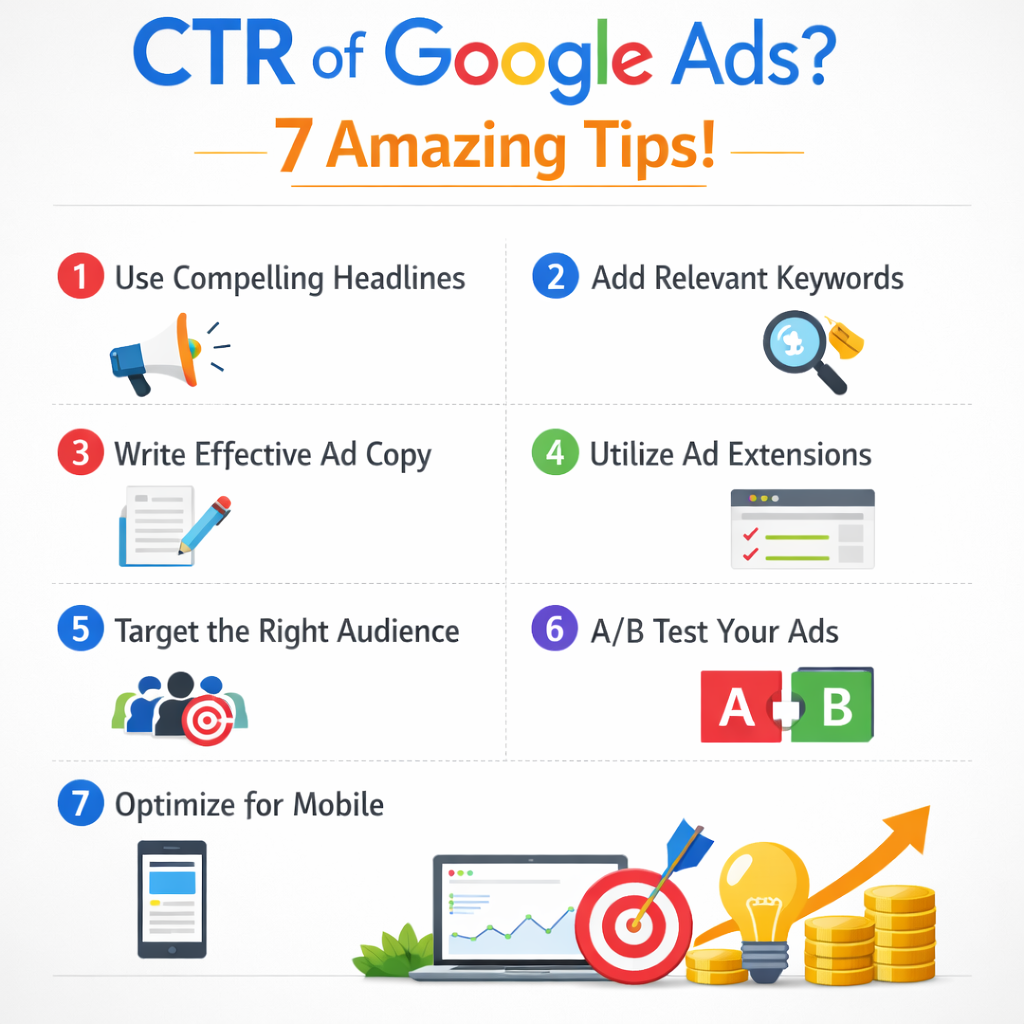
When starting Google AdWords (now referred to as Google Ads) campaigns, you may think it’s just about finding some keywords, creating your ads, and Google does the rest for you. Unfortunately, it takes a lot more to run a successful Google Ads campaign — and to improve your click-through rate (CTR).
CTR is a performance metric that expresses the number of times an ad gets clicks versus the number of times it’s viewed. It’s commonly used to evaluate ad copy performance. Improving your CTR is one of the fastest ways to increase conversions and, subsequently, generate more sales.
In this article, we’ll cover 7 practical ways to boost your Google Ads traffic by improving your CTR.
Improve Your Quality Score
Use ad extensions
Create different Ad groups
Write appealing ad copies
Test different ad copies
Choose the right bidding strategies
Use remarketing audiences
Quality Score measures how relevant your ads, keywords, and landing page are to someone who sees your ad. It’s a Google Ads metric that gives each keyword a score from 0 to 10.
Ads with higher Quality Scores tend to achieve better positions and lower costs. Google predicts the likelihood of someone clicking on your ad and evaluates the user experience after they click and land on your webpage.
These are the three factors that affect your score:
Expected Click-Through Rate (CTR): How likely is someone to click based on past performance?
Ad Relevance: Does the ad match the user’s search intent?
Landing page experience: Does the landing page deliver what the ad promises?
To improve Quality Score, review these three factors individually and as a whole, and optimize your ad copy and landing page around the targeted intent (the more specific, the better).
Along with your ad copy, Google gives you the opportunity to enhance your ads with additional information, making them more visible and giving people more reasons to click. It’s important to use the extensions that best support your business goals.
Here are some of the most commonly used ad extensions:
Sitelink extensions: Link directly to key pages like About Us, Services, or Shop.
Callout extensions: Add extra text such as “30-day money-back guarantee” or “2-year warranty.”
Price extensions: Display product/service pricing directly in the ad.
Lead form extensions: Let users subscribe (e.g., newsletter) directly from the ad.
Google Ads offers many more extensions — choose the ones that make sense for your objectives.
After completing keyword research, you’ll often notice keywords that reflect different search intents and different stages of the funnel. This is where creating multiple ad groups becomes essential.
Adding too many keywords into one ad group weakens the relationship between keyword and ad copy. If ad groups contain up to 20 keywords, your ads won’t respond one-to-one to the search query. The result is lower relevance, which can negatively impact Quality Score and CTR.
Instead:
group close keyword variants together
write ad copy tailored to that group
include the targeted keyword at least twice (naturally)
When writing your ads, think about the full journey: query → ad copy → landing page. If users feel they’re going down the wrong path, they’ll hit back and search again. Make sure your landing page matches what you promise in your ad.
Be as specific as possible, and use the copy approach that fits your offer. Common approaches include:
Features: highlight product/service characteristics
Benefits: focus on outcomes and value
Problem: reflect the pain point the user wants to solve
Solution: position your offer as the solution
Testimonials: use social proof (reviews, results, case studies)
Best-in-class: call out awards, certifications, rankings, etc.
Also, include a clear call to action (CTA) in every ad. If people understand exactly what you want them to do (buy, fill out a form, book a call), they’ll hesitate less.
You won’t always know from day one which ad will perform best, so continuous testing is key.
Best practice:
create 2–3 ads per ad group
make small changes each time (headline, CTA, value proposition)
replace low-performing ads with new versions regularly
Another great way to test variations is using Responsive Search Ads, where you add multiple headlines and descriptions and let Google test the best-performing combinations.
Choosing the right bid approach — and a solid strategy for adjusting bids — is essential to keep your ads visible and competitive. If you’re not on top of bidding, you can burn through budget with only a few clicks.
If your goal is traffic (clicks), consider:
Maximize Clicks: automated bidding to get as many clicks as possible within your budget
Manual CPC: manage bids yourself and adjust based on performance and conversions
There are many bidding strategies available; the best choice depends on your goals and the maturity of your account.
Remarketing lets you run ads tailored to users who have already interacted with your website.
Examples:
visitors who viewed a specific product or service
users who abandoned checkout
people already familiar with your brand (more likely to click)
You can also use remarketing to increase sales to existing customers or promote upgrades — if they already know you, they’re more likely to engage.
There are multiple ways to improve your Google Ads CTR. The right strategy will not only reduce wasted spend, but also improve conversions by showing your ads to the right people with the right message.
Need help? Schedule a meeting to discuss the best Google Ads strategy for your business!
Related articles
What is Google Ads and How Does it Work?
Learn what Google Ads is, how it works, and how it can boost your business's online visibility through targeted pay-per-click advertising.
Related articles
Choosing the Best: HubSpot vs Adobe Marketing Software
Compare HubSpot and Adobe Marketing Software to determine which platform best suits your business needs, offering insights into features, pricing, and support.
Related articles
How to Add a Link on Instagram: Bio, Stories and More
Learn every way to add a link on Instagram: bio, Stories, action buttons, shoppable and promoted posts, plus link-in-bio tools like Linktree.