

Hubspot
HubSpot Sales Reports: A Step-by-Step Guide
Learn how to create custom sales reports in HubSpot to effectively monitor performance and optimize sales strategies with our step-by-step guide.

2 mins read
Link37 Team
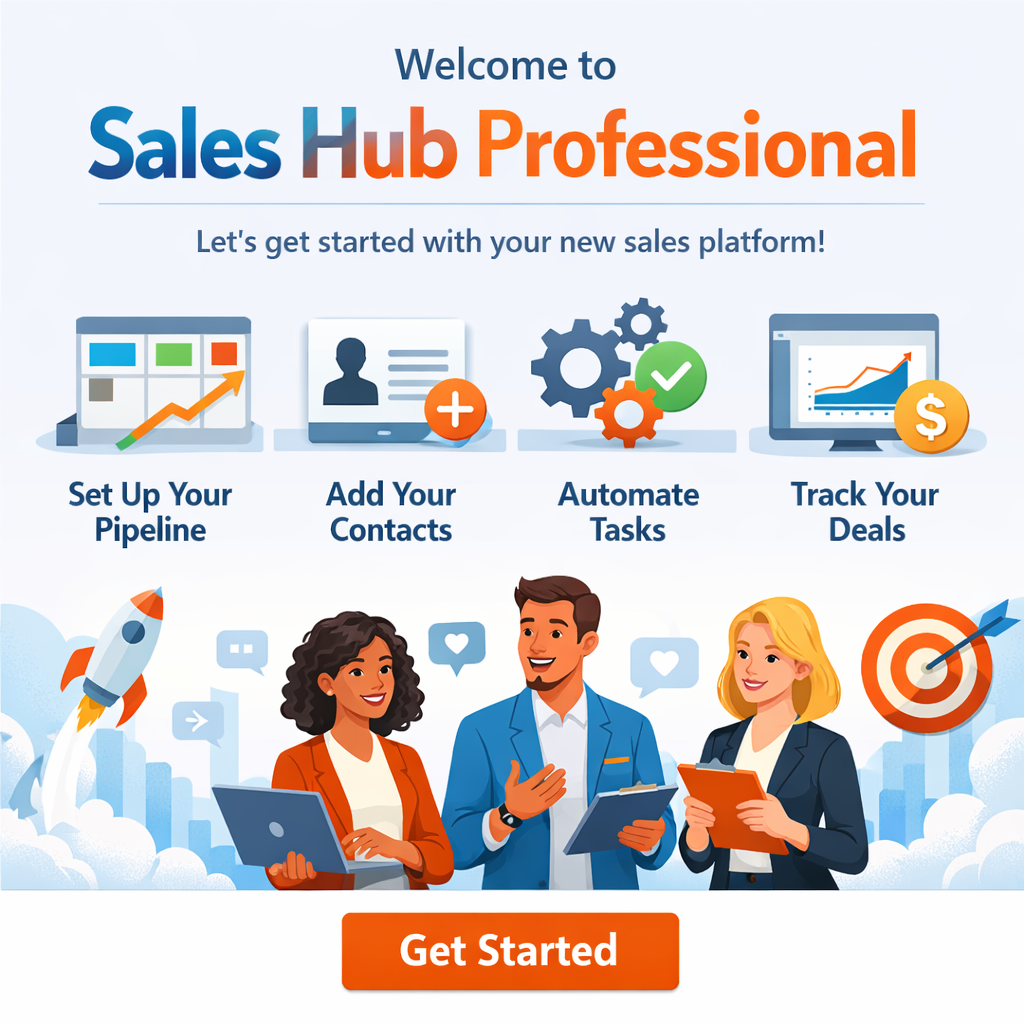
Discover the essential steps for successfully onboarding Sales Hub Professional and optimizing your sales team’s performance.
Sales Hub Professional onboarding starts with a HubSpot expert acting as a project manager, guiding the entire process from start to finish.
This expert ensures:
Proper setup of tools and systems
Alignment with business goals
Team training and adoption
Sales Hub Professional is designed to help sales teams:
Manage contacts and deals
Automate sales processes
Improve prospect communication
Increase productivity
Onboarding ensures users fully understand and leverage these capabilities.
Key objectives, KPIs, sales processes, and workflows are defined to ensure alignment and success from day one.
Phase 0 – Account & Technical Setup
Email connection, CRM setup, data import, integrations, and tracking configuration.
Phase 1 – Connect with Prospects
Live chat, meetings, email integration, and CRM-based communication.
Phase 2 – Automate Sales Processes
Deal pipelines, lead rotation, workflows, and task automation.
Phase 3 – Personalize Outreach at Scale
Video outreach, sequences, personalization tokens, quotes, and product libraries.
Phase 4 – Completion & Transition
Post-onboarding goals and transition to a dedicated Customer Success Manager.
Ongoing strategic and technical support ensures continuous optimization and long-term success.
Related articles
HubSpot Sales Reports: A Step-by-Step Guide
Learn how to create custom sales reports in HubSpot to effectively monitor performance and optimize sales strategies with our step-by-step guide.
Related articles
Tasks in HubSpot: What Are They? A Step-by-Step Guide
Learn how to use HubSpot tasks to streamline workflows, automate processes, and boost sales efficiency with this step-by-step guide.
Related articles
HubSpot vs Salesforce: A Feature Comparison
Compare HubSpot and Salesforce on CRM capabilities, marketing automation and ease of use to choose the right CRM platform for your business.